








































Skip to content
Lobbypie Menu

For airports and terminals: Bespoke videos. Custom audio. Made for your terminal in minutes.

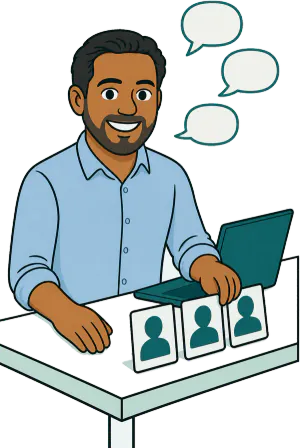
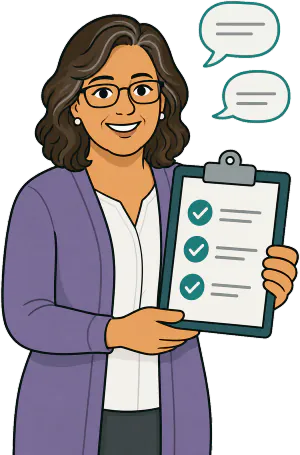
Adults pass through, often with children who ask about everything, from security to the ship’s gangway. Your guest ambassadors cover screening, boarding and lost bags before the line moves.

On your waiting-room TV

Your terminalHow early should we arrive?Information desk

On a visitor’s phone

Your terminal

Information deskWhat would you like to know?

  • How early should we arrive?
  • What ID or documents does each of us need, including children?
  • Can we bring breast milk, formula and baby food through security?
  • How do strollers and car seats go through screening and boarding?

Adults or Kids

Your page on a visitor’s phone and your waiting-room TV, with your terminal’s own questions. Videos come with Plus.

  • Stand out

    Your team, your branding and answers made for your terminal.

  • Promote your services

    Put your services and offers on your waiting-⁠room TV with Plus.

  • Stay helpful

    Share an answer link before or after a visit so visitors can revisit it.

Your terminal’s page, on a visitor’s phone.

This is how your page opens when a visitor scans your sign. We write your terminal’s answers after you order.

Answers written for your terminal

We read your website and write your answers, from your site and from our library for places like yours. You edit any of them and approve each one before visitors hear it.

  1. A visitor scans your sign or taps your reminder link.
  2. They tap a face and choose Kids or Adults, then a question.
  3. They watch, listen or read the answer, in their language.

Hear sample answers from other places

Questions your visitors ask

How these questions work

Adults ask how early to arrive, what ID or documents each traveler needs and what they can pack in a carry-on. Kids ask what the X-ray machine sees, whether they take off their shoes and where their suitcase goes.

After you order, we read your website and write your terminal’s answers, from your site and from our library for places like yours. You edit any of them and approve each one before visitors hear it.

Adults ask

  1. How early should we arrive?
  2. What ID or documents does each of us need, including children?
  3. Can we bring breast milk, formula and baby food through security?
  4. How do strollers and car seats go through screening and boarding?
  5. What can we pack in a carry-on?
  6. How are medications and medical devices screened?Your own

Kids ask

  1. What happens at the security line?
  2. What does the X-ray machine see in our bags?
  3. Do I have to take off my shoes?
  4. Why does my toy go through the machine?
  5. Where do our suitcases go after we drop them off?
  6. What does boarding mean?Your own

Share your website. We create your content.

  1. Share your website

    We gather your team, services, office details, logo and colors.

  2. We create your content

    We draft content for your office, as audio and text, with short videos on Plus.

  3. Review and go live

    Each person says yes on their own private link. You review and approve, then share your page.

Getting started takes about 5 minutes. Your page goes live after staff permissions, content creation and your review.

Answers before, during and after the visit

No app or visitor sign-in

  1. Before the visit

    Send an answer link with the appointment.

  2. In the lobby

    Let visitors scan your sign, or watch on your TV with Plus.

  3. After the visit

    Share an answer they can revisit at home.

  4. The QR sign

    Print yours for the lobby. Scan this one to try the demo.Print yours for the lobby. Visitors scan it to open your team’s page.

We speak your languages.

Videos & audio in up to 27 languages. Videos included with Plus.

  • Arabic العربية
  • Bengali বাংলা
  • Chinese (Simplified) 中文
  • Dutch Nederlands
  • English Included
  • French Français
  • German Deutsch
  • Gujarati ગુજરાતી
  • Hindi हिन्दी
  • Indonesian Bahasa Indonesia
  • Italian Italiano
  • Japanese 日本語
  • Kannada ಕನ್ನಡ
  • Korean 한국어
  • Malayalam മലയാളം
  • Marathi मराठी
  • Polish Polski
  • Portuguese Português
  • Russian Русский
  • Spanish Español
  • Tamil தமிழ்
  • Telugu తెలుగు
  • Thai ไทย
  • Turkish Türkçe
  • Ukrainian Українська
  • Urdu اردو
  • Vietnamese Tiếng Việt

Your page offers each language once its answers are ready and reviewed.

All your content in your staff’s voices.

With their permission and a short recording, we create a Custom voice to read their answers aloud. They can also choose a voice from our collection. The languages you choose are spoken in those voices too.

  • Included with Plus. Available as an add-on on Starter. Not offered in TX or IL.
  • Each person says yes on their own private link.

Each person chooses their look and voice on their own link.

  • A staff member’s photoTheir own photo
  • The same person as a custom avatarA custom avatar from their photo
  • Their voice or one from our library

Included with Plus

Your logo and colors, on your page, your TV and your videos

When you order, we find your logo and colors on your website, so there is nothing to send.

Change your logo, colors, video style or font in your account.

Example practicesExample office

Your video stylePlus

One style for all your videos. The colors here are only examples: your videos use your own.

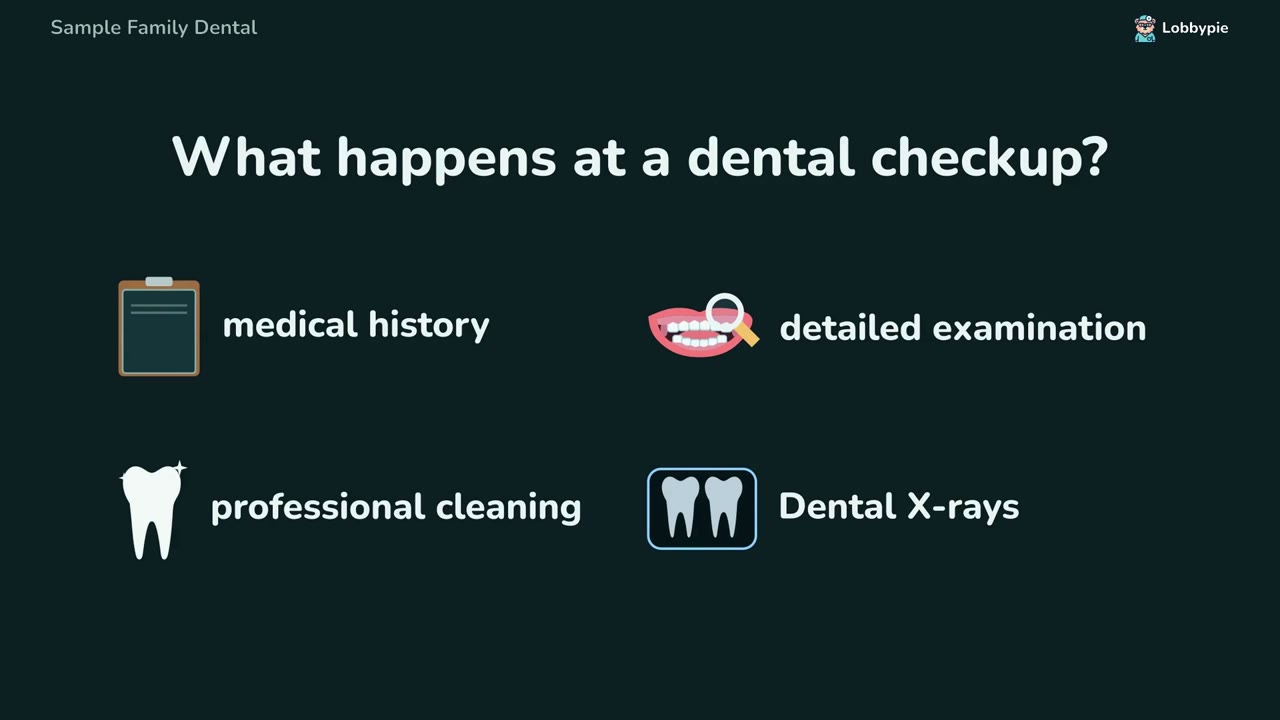
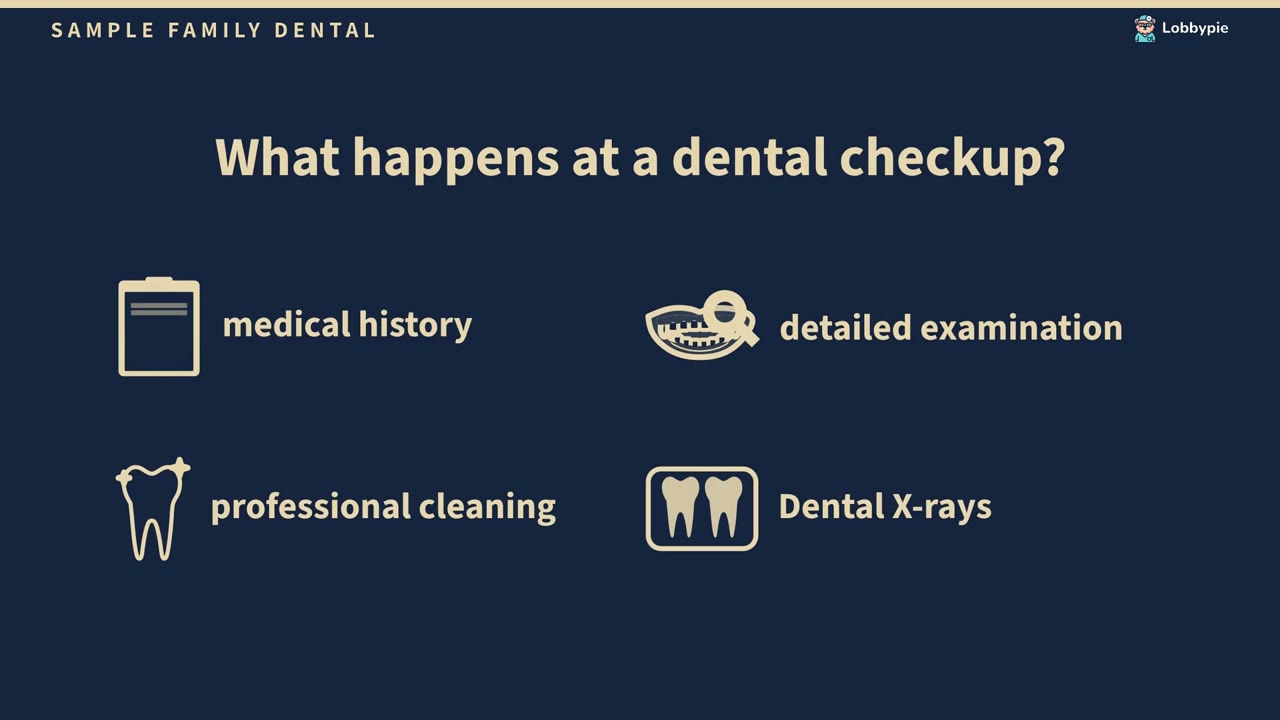
  • A sample video in the Classic style: What happens at a dental checkup?
    Classic
  • A sample video in the Symmetry style: What happens at a dental checkup?
    Symmetry
  • A sample video in the Bold style: What happens at a dental checkup?
    Bold
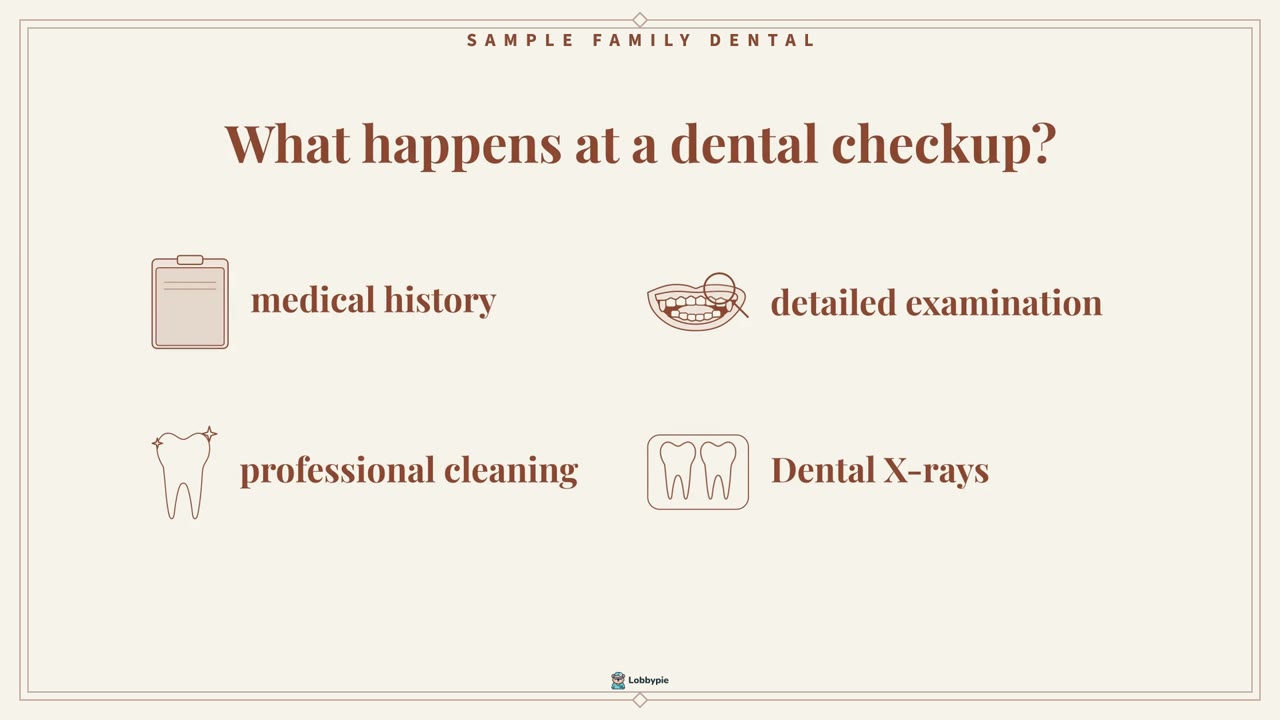
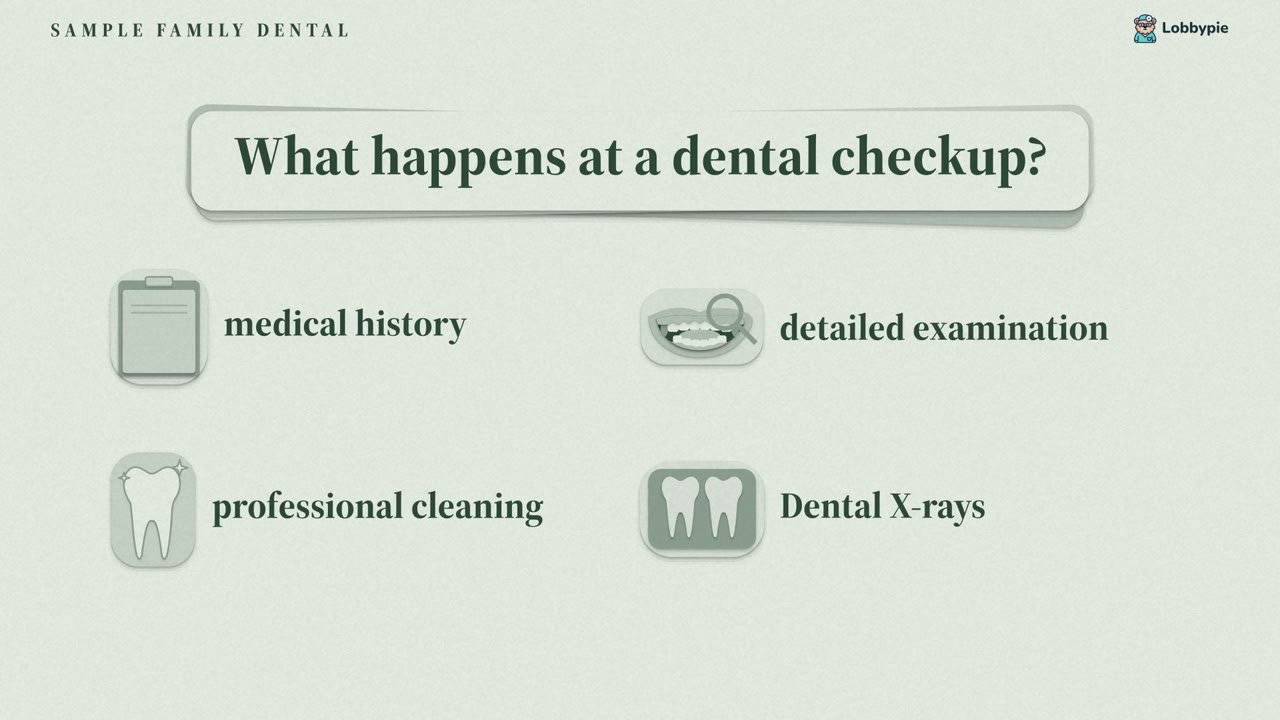
  • A sample video in the Paper style: What happens at a dental checkup?
    Paper

Your character stylePlus

How the people in your videos are drawn.

  • Original
  • Silhouette
  • Line
  • Pictogram
  • Sketch
  • Long
  • Slim
  • Short
  • Expressive
  • Doll
  • Round
  • Illustrated

Your font

For your page, your TV and your videos.

  • Friendly
  • Clean sans
  • Professional sans
  • Elegant
  • Classic serif

Included with Plus

Your waiting-⁠room TV. Your promotions. Your services.

With Plus, loop the answer videos you approve, introduce your team and share your offers in your office’s colors.

See waiting-room TV
  • Show what you offerPick the videos and set their order. Changes reach the TV within a minute.
  • Captions always onVisitors can follow along with the sound off.
  • A link for your TVOpen it in a smart TV’s browser, or show it with Fire TV, Roku, Apple TV, Chromecast or a computer.
A waiting room with chairs facing a TV that loops a sample video made for an invented office: its team, their greetings with captions, then short clips about its services, in the TV’s own frame while it has something to show beside them, such as the local weather, a promotion or a card between videos.

Example officeYour own TV plays the answer videos you approve.

What our library answers never do

Library answers pass our automated fact check against trusted sources. Your office approves every answer before it plays.

  • No ads or brand names

    Answers call everyday things by their plain words, never by a brand.

  • No guessed facts

    What only your terminal knows is said in your own words, never guessed.

Your terminal is responsible for the questions and answers it adds, as our Terms say.

Pricing

Plans for airports and terminals

Annual plans are paid up front, with no setup fees. Or pay monthly, with a setup fee.

Starter

One location, up to 4 people

$99/month

Billed yearly. Cancel anytime.

Was $499 setup fee Free

Or pay monthly $99/month + $499 setup fee

Order Starter

What visitors get

  • Listen
  • Read
  • One location Your page for one place
  • 2 staff members Add up to 4 total
  • 24 answers From our library or your own
  • English Add languages any time
Custom voiceAn add-on, per person. Comes with Plus.
Waiting room TVComes with Plus

Plus

Includes video and waiting room TV

Unlimited locations and people

$199/month

Billed yearly. Cancel anytime.

Was $1,499 setup fee Free

Or pay monthly $199/month + $1,499 setup fee

Order Plus

What visitors get

  • Watch
  • Listen
  • Read
  • Every location One price for all of them
  • 6 staff members Add as many as you need
  • 48 answers From our library or your own
  • English + 1 more language Add more any time
Custom voice for each staff memberAnswers in each staff member’s own voice, from a short recording. Not offered in TX or IL.
Waiting room TVYour answer videos play on your office TV, with captions.
  • Your logo and colors, from your website
  • Your local weather
  • Your news and specials
  • QR code cards for your reviews and social pages
  • Visitors scan to hear more on their phone
  • Post a note to the TV from your phone
See how it works

In every plan

  • Your page on your own website
  • Unlimited visitors
  • Printable sign and reminder link
  • Live and off switch
  • No visitor sign-in

Add-ons

  • Custom voice Included with Plus $29/month per person on Starter Answers in a staff member’s own voice, from a short recording. Not offered in TX or IL. Was $299 setup fee Free with annual
  • Extra staff member $29/month Up to 4 on Starter, no limit on Plus. Was $299 setup fee Free with annual
  • Extra language $9/month Was $99 setup fee Free with annual
  • Extra answer $4/month Was $49 setup fee Free with annual

Each add-on covers all your locations, and each staff member counts once.

Annual plans are paid up front for the full year. Answers for kids and for adults count separately. The setup fee covers your team’s portraits and voices, your answers and greetings, and your printable sign. Prices are before tax.

Questions about Lobbypie for Airports, cruise and travel terminals

Can our page include “How early should we arrive?”

This is among the questions the library for Airports, cruise and travel terminals starts from. That library is written after payment, and you choose and approve the answers for your page.

Where can visitors open our terminal’s page?

Put the QR sign on the information desk and near security, and add the page to traveler emails.

When can visitors use our terminal’s answers?

Families listen before leaving home, and children listen at the gate while they wait to board.

Can we answer questions only our terminal knows?

Yes. Check the answers drafted from your website, edit them or write your own during setup. Your own answers count toward the same plan allowance as library questions.

Who are the answers for Airports, cruise and travel terminals written for?

This page shows separate questions for Kids and Adults. Choose the audiences your page will serve during setup.

How many answers can our terminal choose?

Starter includes 24 answers and Plus includes 48. Library questions and your own answers share the allowance. A library question counts separately for each audience you choose.

Answers made for your terminal. Start with your website.

From $99/month. Up to 27 languages.

Lobbypie

Order your page